Choose a scene
Start with drama, mystery, comedy, fantasy, or science fiction. Each scene has its own cast, pacing, and visual mood.
Voice the Line is a browser-based voice acting practice game with short original cinematic scenes. Follow timed dialogue cues, record your take, and replay it instantly without an account or a download.

Every scene keeps the useful parts of a recording session in one place: a clear visual, an active cue, and a take you can hear back.
Start with drama, mystery, comedy, fantasy, or science fiction. Each scene has its own cast, pacing, and visual mood.
Press play and watch the script panel. The current line stays visible while the timeline keeps your entrance on track.
Allow microphone access, perform the lines, then replay, replace, or export your local WebM recording.
Each scene is short enough for a quick take and specific enough to give you something to play.



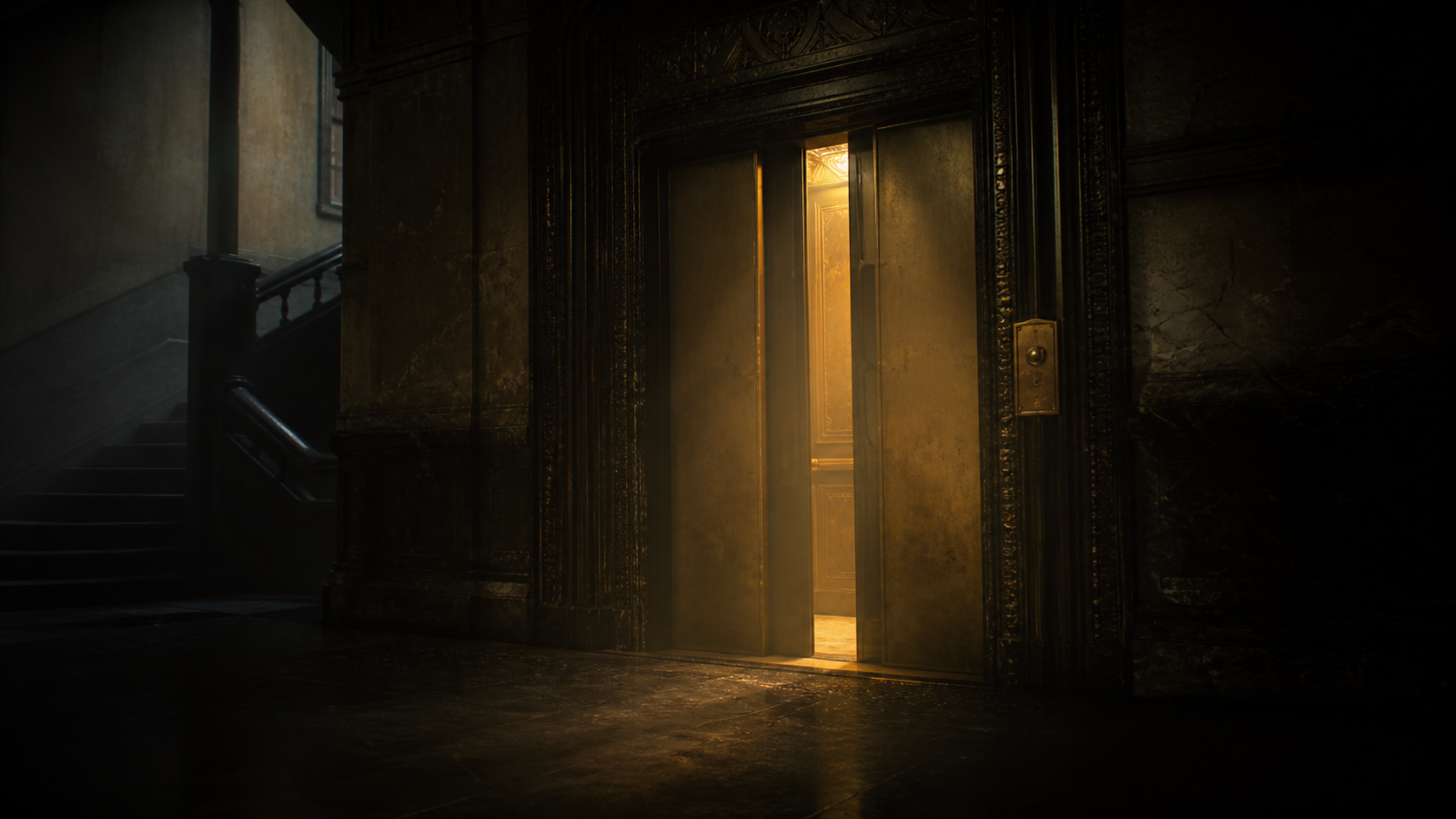



A voice over game gives you a scene, timed dialogue cues, and a simple recording loop so you can perform a character and replay your take.
Choose an original scene, press play to follow the cues, then allow microphone access and record your performance. You can listen again, start a new take, or export a WebM file.
No. Voice the Line keeps recordings in the browser while you use the site. Recording and WebM export happen locally on your device.