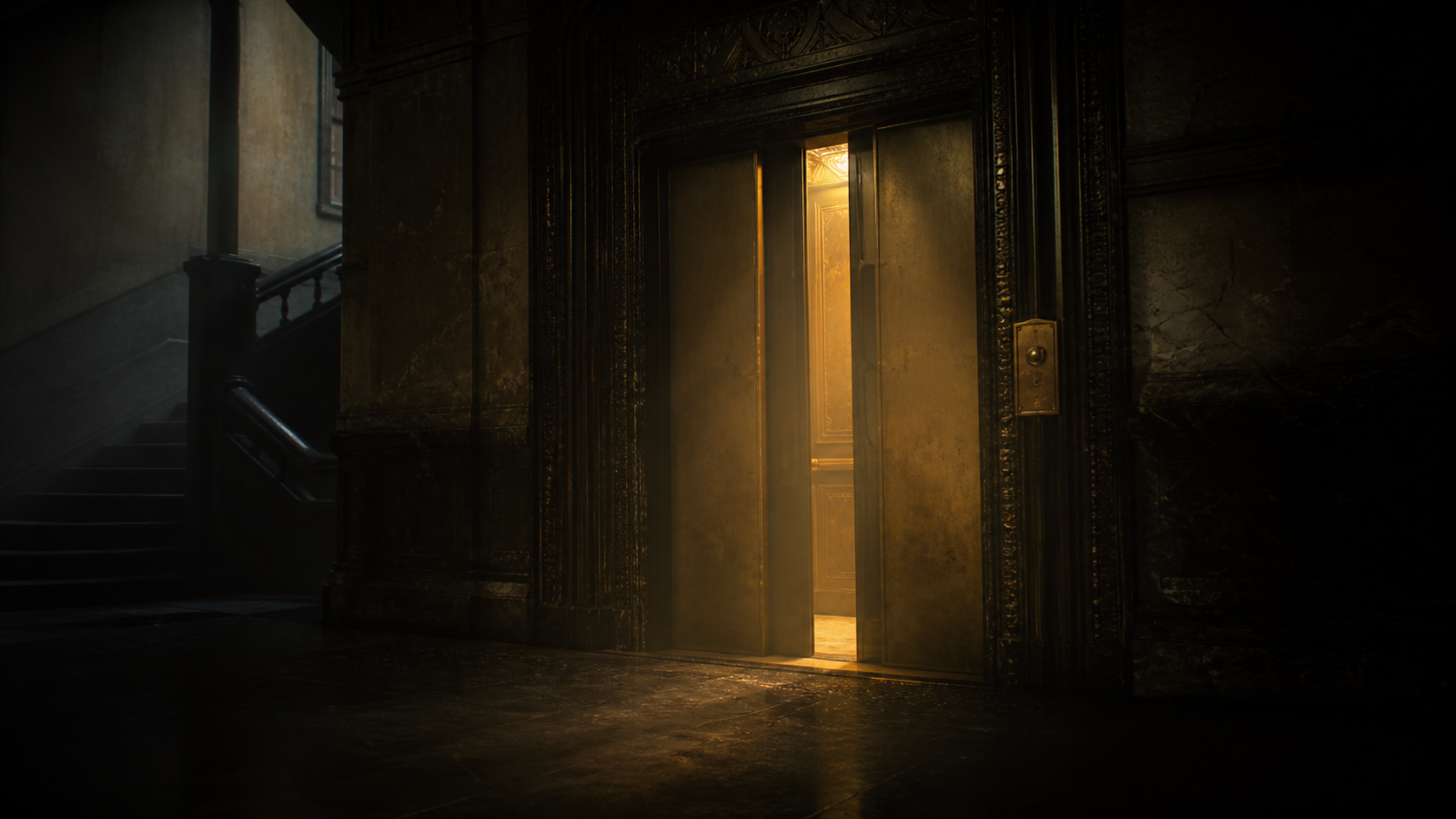
Choose a scene
Move between drama, mystery, comedy, fantasy, and science fiction scenes in one focused studio.

Press play, then give the scene your voice.
Voice the Line is a free online voice over game built around short, original cinematic scenes. Pick a moment, follow the cue, and give the character a voice that feels like your own.
Move between drama, mystery, comedy, fantasy, and science fiction scenes in one focused studio.
Timed dialogue keeps the performance moving while the active line stays visible on the monitor.
Record in your browser, listen back, try again, and export your finished take locally.
Voice the Line is a free online voice over game where you perform dialogue from original cinematic scenes.
No. You can choose a scene, follow the timed cues, and record a take without creating an account.
Your recording stays in your browser while you use the site. It is not uploaded to a server, and you can export it as a WebM file.
Yes. The timed script, character lines, retakes, and local playback make it useful for casual voice acting practice.
The browser MediaRecorder API can record media from a user agent and produce data in a format that can be saved or played back.
Voice the Line uses browser recording APIs and keeps takes local to the session. Technical references: MDN MediaRecorder API and MDN getUserMedia API. Questions and feedback can be sent through the project issue tracker.